

First select your preset.
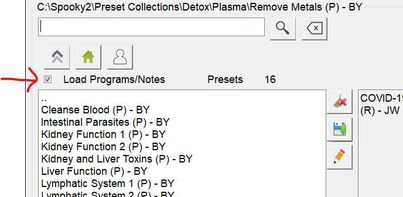
Next UNCHECK the Load Programs/Notes Checkbox on the presets tab.
Next, select your new shell.
I would add to that, save the new preset as a different name, as I have found bugs if you just run the preset without saving it first.
You can even use this if you want to say take your preset and "Convert" it to another method, most of the time.
Say you have a contact preset and you want to make a Plasma preset.
For more detailed information, please check this link:
Comments
Please sign in to leave a comment.