

You can use this trick to assign what you want to the ports number (as in the picture below), but even this method won't be 100% stable. But for me it worked the best:
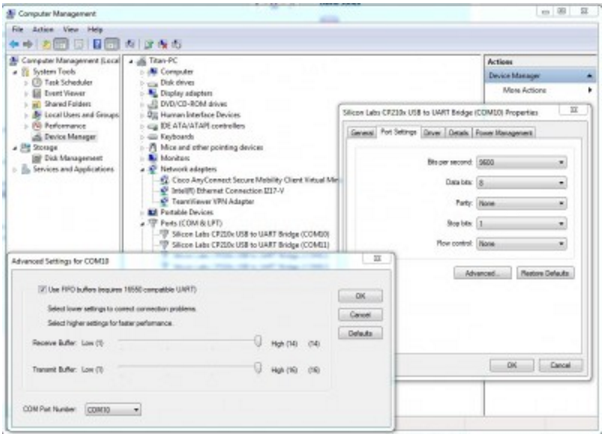
So go to Device Manager and change the ports as in the image and you should be ok for a while. Also be sure to delete all hidden unused ports (I think you can do that from Spooky software if my memory serves me well) .
Here is the link in which Keith explains how to delete hidden COM ports if it doesn't work from software: https://www.spooky2.com/forums/viewtopic.php?f=65&t=4177&hilit=delete+hidden#p37974
For more details, please check the link:
https://www.spooky2.com/forums/viewtopic.php?f=83&t=8642
Comments
Please sign in to leave a comment.